Why pacing decides whether people watch
Online viewers decide within seconds whether to keep watching. Dead air — the pause before you start a sentence, the gap while you reach for a prop — gives them an exit. Cutting those gaps keeps momentum and lifts watch time.
For tutorials and explainers, tighter pacing also makes the content easier to follow because there is no waiting between points.
Cutting picture and sound together
The challenge with video is that audio and picture must stay in sync. When you remove a silent half-second, both the sound and the corresponding frames have to be cut together.
SilenceRemover handles this automatically: it detects silence in the audio track and removes the matching frames so lips, gestures, and sound stay aligned.
How to do it
Import your MP4 or MOV from Photos or Files. Set the threshold and minimum silence length, preview a section to confirm the cuts feel natural, then export. The tightened clip is saved at the original quality, ready to upload.
When to keep some silence
Not every pause should go. A beat before a punchline or a deliberate dramatic pause carries meaning. Use a longer minimum silence length so only the unintentional gaps are removed, and review the result before publishing.
Tighten talking-head and tutorial footage
The biggest wins come from formats built around someone talking: pieces to camera, explainers, demos, and reaction videos. These are full of small pauses — between sentences, while switching context, or waiting for something to load — that automatic detection removes without you scrubbing the timeline.
For tutorials, cutting the gaps between steps also makes the result easier to follow, because the viewer is not left waiting between each action.
Formats and quality
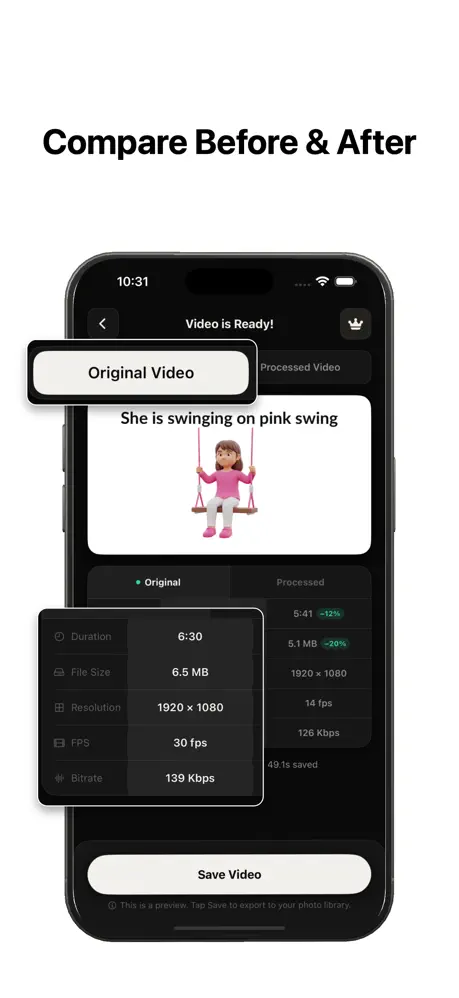
Silence removal on video works on common containers like MP4 and MOV, cutting both the picture and the audio at the same points so they never drift apart. The export is a cut-and-join, not a re-encode, so the footage keeps its original resolution and bitrate — there is no generation loss from trimming.
Because the file only gets shorter, the output is also smaller, which means faster uploads to YouTube, a client, or cloud storage.
Screen recordings and tutorials
Tutorials and screen recordings are full of quiet stretches — waiting for a page to load, lining up a click, gathering the next thought. Those are exactly the segments automatic detection removes, so a demo that rambles becomes something viewers finish.
Leave a little padding around each cut so actions do not feel clipped, and keep slightly longer pauses where a viewer needs a second to read the screen.
How hard to cut talking-head footage
Short-form and vlog-style video can take an aggressive cut; explainer and interview footage usually wants a gentler one so it still breathes. Start with the defaults, preview, and adjust the minimum silence length until natural beats survive but genuine dead air does not.
Edit on your phone, end to end
Because the whole process runs on-device, you can shoot, tighten, and export a video without moving the file to a computer. That keeps large clips off any server and removes the upload-and-wait step before you even start editing.
Once silence is removed, the tightened clip drops straight into whatever you use next — captions, b-roll, or a quick upload — already paced to hold attention.