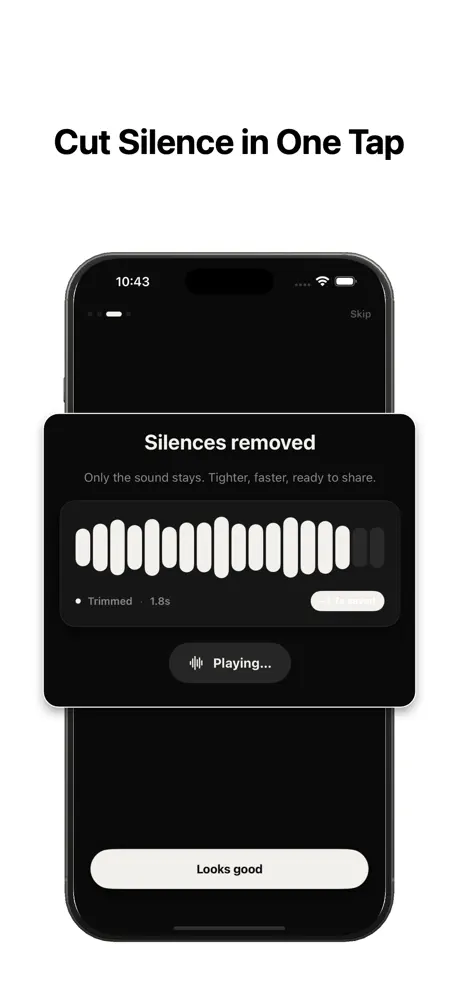
Why short-form is unforgiving
A YouTube Short, TikTok, or Reel has seconds to hook a viewer. Algorithms reward clips that hold attention to the end, so every silent gap is a chance for someone to swipe away.
Creators who cut tightly tend to see higher average watch time, and watch time is what gets short-form content promoted.
Cut silence first, then add b-roll
The most efficient workflow is to record naturally, remove silence automatically so the clip is already tight, and only then layer in captions, b-roll, and music. Starting from a gap-free cut means you are editing a punchy base instead of fighting dead air manually.
Settings for fast-paced clips
For short-form, you can be more aggressive: a shorter minimum silence length removes even small hesitations, which is exactly the energetic feel these platforms reward. Keep a touch of padding so words are not clipped.
The first three seconds decide everything
On short-form, the algorithm watches how many people keep watching. A hook that stalls — even half a second of hesitation before your first line — leaks viewers immediately. Cutting the silence at the very start, and between every sentence after it, is the single fastest way to lift average watch time.
Because these clips are short, the ratio matters more than on long video: trimming even ten seconds of scattered dead air from a forty-five-second Reel is a noticeable jump in pace.
A jump-cut feel without a desktop editor
The tight, punchy rhythm creators pay for in an editing suite is mostly just silence removed between phrases. Running automatic detection gives you that same jump-cut energy in one pass, right on your phone, before you ever open a caption or effects app.
Cut the silence first, then layer b-roll, captions, and music on top of the already-tight base — every later edit is easier when the timing is already right.
Reuse one setting for every clip
If you post daily, the win is consistency. Dial in a setting you like once — a lower threshold and a short minimum length suit fast clips — then apply the same values to every new clip so your whole feed shares one crisp, recognizable pace.
Do it on the device you filmed on
You shot it on your phone — you can tighten it on your phone. SilenceRemover processes on-device, so there is no round-trip to a computer and your footage never leaves your phone before you choose to publish.
A worked example: a 45-second Reel
Say you film a 58-second take for a Reel that needs to land under 45. Spoken casually, a take like that typically carries eight to twelve seconds of scattered hesitation — the breath before the hook, the beat between points, the trailing pause before you stop recording. Automatic detection removes those in one pass, and the clip often lands on target without cutting a single word.
For example, a minimum silence length around 0.3 seconds with modest padding gives short-form its fast feel; if the result sounds robotic, nudge the minimum length up and preview again. Two passes is typically all it takes.
From camera roll to upload, step by step
1. Film your take as usual — do not fight pauses while recording; it is easier to speak naturally and cut afterwards. 2. Open the clip in [SilenceRemover](/) and run detection with a short minimum silence length. 3. Preview the first few seconds carefully, since the hook matters most. 4. Export, then add captions, music, and stickers in your usual app on top of the tightened base.
The full guide to removing silence explains what each control does if you want to go deeper than the defaults.
Troubleshooting: when the cut feels too jumpy
Short-form tolerates hard cuts, but there is a line. If your clip feels like a strobe — words colliding with no rhythm — the minimum silence length is too short. Raise it slightly so micro-pauses survive.
If words are getting clipped at the edges, that is padding, not threshold: add a little more room around each cut. And if a deliberate dramatic beat vanished, that pause was simply longer than your minimum length — for a clip built around one big pause, it can be easier to protect it by trimming that section manually afterwards.
When NOT to cut hard
Some short-form formats depend on air. Comedic timing lives in the pause before the punchline; ASMR and ambience clips are quiet by design; and reaction formats need the beat where you just look at the camera. For these, either raise the minimum silence length so only long dead stretches are cut, or skip automatic trimming entirely.
Longer talking formats have their own guide — see removing silence from video for pacing advice that keeps interviews and explainers breathing.