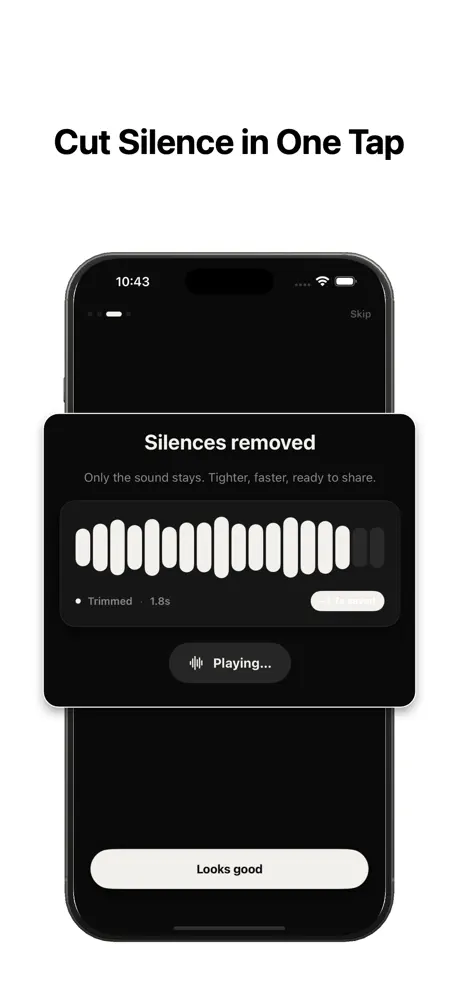
Why dead air hurts a podcast
Listeners forgive a lot, but long gaps break the rhythm of a conversation. A pause that felt natural in the room sounds like a technical glitch through headphones. Cut enough of them and an episode feels professionally produced; leave them in and it feels like a raw recording.
Removing dead air also shortens runtime without cutting content, which improves listen-through rates on most podcast platforms.
The manual method (and why it is slow)
Traditionally you load the episode into a DAW, zoom into the waveform, and hunt for flat sections. For a 45-minute interview that can mean hundreds of tiny edits and an hour or more of work — per episode.
It is also error-prone: it is easy to cut a breath that the speaker needed, or to leave the timeline slightly out of sync.
Remove dead air automatically
Instead, run the whole episode through automatic silence detection. Set a threshold just below your normal speaking volume, a minimum silence length of around half a second, and a small amount of padding so cuts breathe.
The app finds every gap that matches and removes them in one pass. A 45-minute episode that took an hour to clean by hand is tightened in under a minute.
Settings that work for spoken word
For solo and interview podcasts, a minimum silence length of 0.4–0.7 seconds removes filler gaps while keeping the natural beats of conversation. Padding of around 100 milliseconds keeps the ends of words from being clipped.
If two hosts talk over each other, keep the threshold conservative so you do not cut quiet speech — only true silence.
What tightening actually does to episode length
Conversational speech carries more dead air than people expect — thinking pauses, the beat before a reply, the gap while someone finds a thought. Across a forty-minute episode that often adds up to three to six minutes of pure silence. Removing it does not make anyone sound rushed; it removes the parts where nothing was said.
The effect on retention is real. Listeners drop off during lulls, so a tighter cut tends to hold attention longer and lifts completion rate — the metric most podcast platforms reward.
Interviews and two-host shows
Multi-voice recordings have their own rhythm: the handoff between speakers is where dead air collects. Because detection works on loudness and duration rather than on who is talking, it trims those handoffs cleanly while leaving both voices fully intact.
If you record each guest on a separate track, run the same settings across every track so the timing stays consistent when you mix them back together.
Where silence removal fits in your edit
Treat it as the first pass, not the whole edit. Remove dead air first, then do the creative work — chapter markers, music, the occasional filler-word trim — on a timeline that is already tight. Starting from a gap-free file means every later step involves less scrubbing.
For the settings themselves, see our guide to the best threshold, length, and padding values for spoken word.
Keep it private
Unreleased episodes are sensitive. With on-device processing your audio never leaves your phone — there is no upload, no cloud account, and no copy of your recording sitting on someone else's server.
Where dead air hides in an episode
Some gaps are obvious, but the ones that quietly pad your runtime are easy to miss: the silence before the intro music ends, the beat after a guest finishes a thought, the pause while someone takes a sip of water, and the long lead-out before the outro. Automatic detection catches all of them in one pass instead of you hunting for each.
Catching these is what turns a loose recording into a tight episode without you having to remember every spot.
Build a repeatable episode workflow
Consistency is what makes a show feel professional from one episode to the next. Settle on a threshold, minimum silence length, and padding that suit your voice, then apply the same values to every episode so the pacing never drifts.
A repeatable pass also frees your editing time for the parts that actually need judgement — structure, highlights, and storytelling — rather than mechanical gap-cutting.