Automatic silence detection
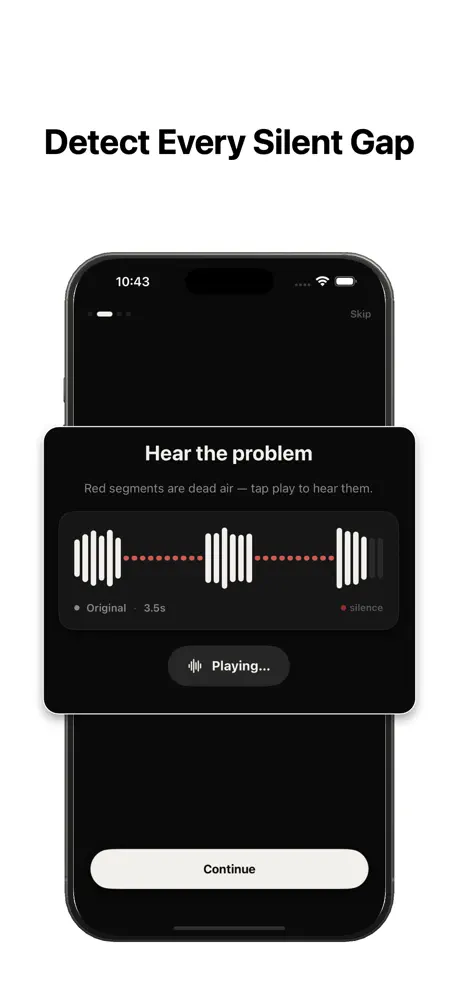
Smart threshold and padding controls find every pause — from long gaps to tiny breaths.
 iOS · Audio & Video
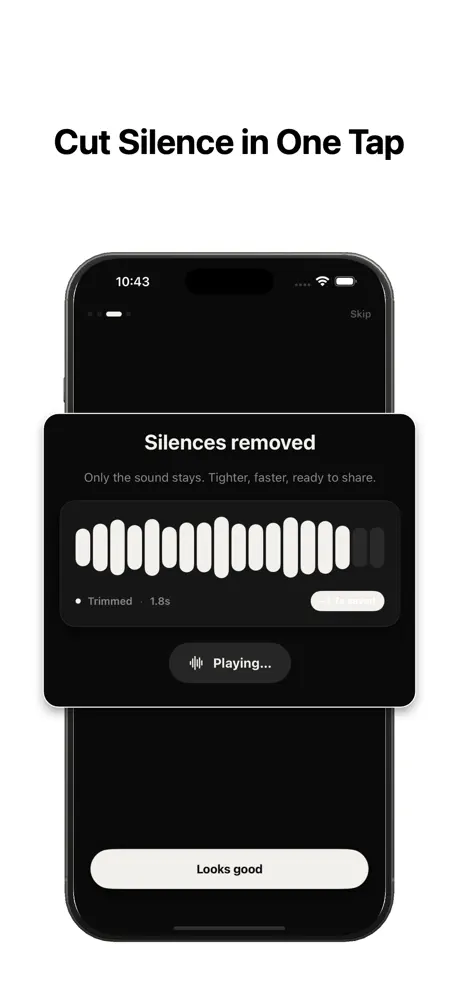
SilenceRemover detects and removes silences from your audio and video in seconds. Shorter clips, tighter pacing, zero effort.
Built for podcasters, creators, and anyone who edits talking-head content. Fast on-device processing. No uploads.
Smart threshold and padding controls find every pause — from long gaps to tiny breaths.
Adjust sensitivity, minimum silence length, and fade-in/out padding for a natural result.
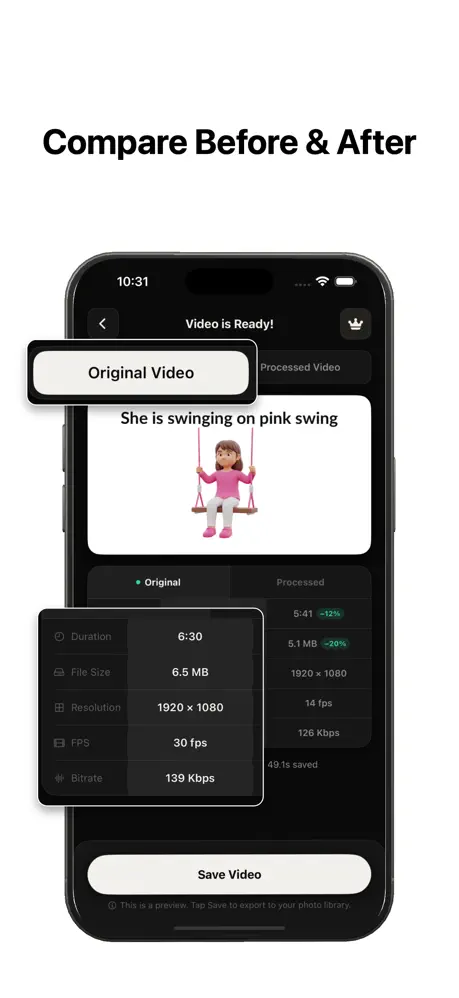
Works on MP4, MOV, MP3, WAV, AIFF, and M4A. Export keeps the original quality.
Your files never leave your phone. Processing happens locally using Apple frameworks.
No sign-in required to use SilenceRemover. We don't collect your media or personal data.
Pick from Photos, Files, iCloud Drive, or paste a direct URL. Batch friendly.
Three taps from a raw recording to a tightened clip.
Pick a video or audio file from Photos, Files, or iCloud. Nothing is uploaded.
SilenceRemover scans the waveform, marks every silent segment, and cuts them out.
Save the tightened file to Photos or share it straight from the export sheet.
From spotting dead air to a tightened, ready-to-share clip — here's the whole flow.
We designed SilenceRemover to do one job — trim silence — without collecting anything about you.
✓ We don't require you to create an account.
✓ We don't upload your audio or video files to any server.
✓ We don't sell or share personal data with third parties.
✓ All silence detection and trimming happens on-device.
No. All processing happens locally on your device using Apple's audio and video frameworks. Your files never leave your phone.
No. You can use SilenceRemover without signing in. No Google, Apple, or email sign-in is required.
Common video containers (MP4, MOV) and audio formats (MP3, WAV, AIFF, M4A) are supported for both import and export.
Yes. Core silence removal is free. Premium features are available via an optional subscription.
Email us at mobixoftapps+contact@gmail.com. We reply to every message.